 IMAGE
IMAGECONCEPT / 01
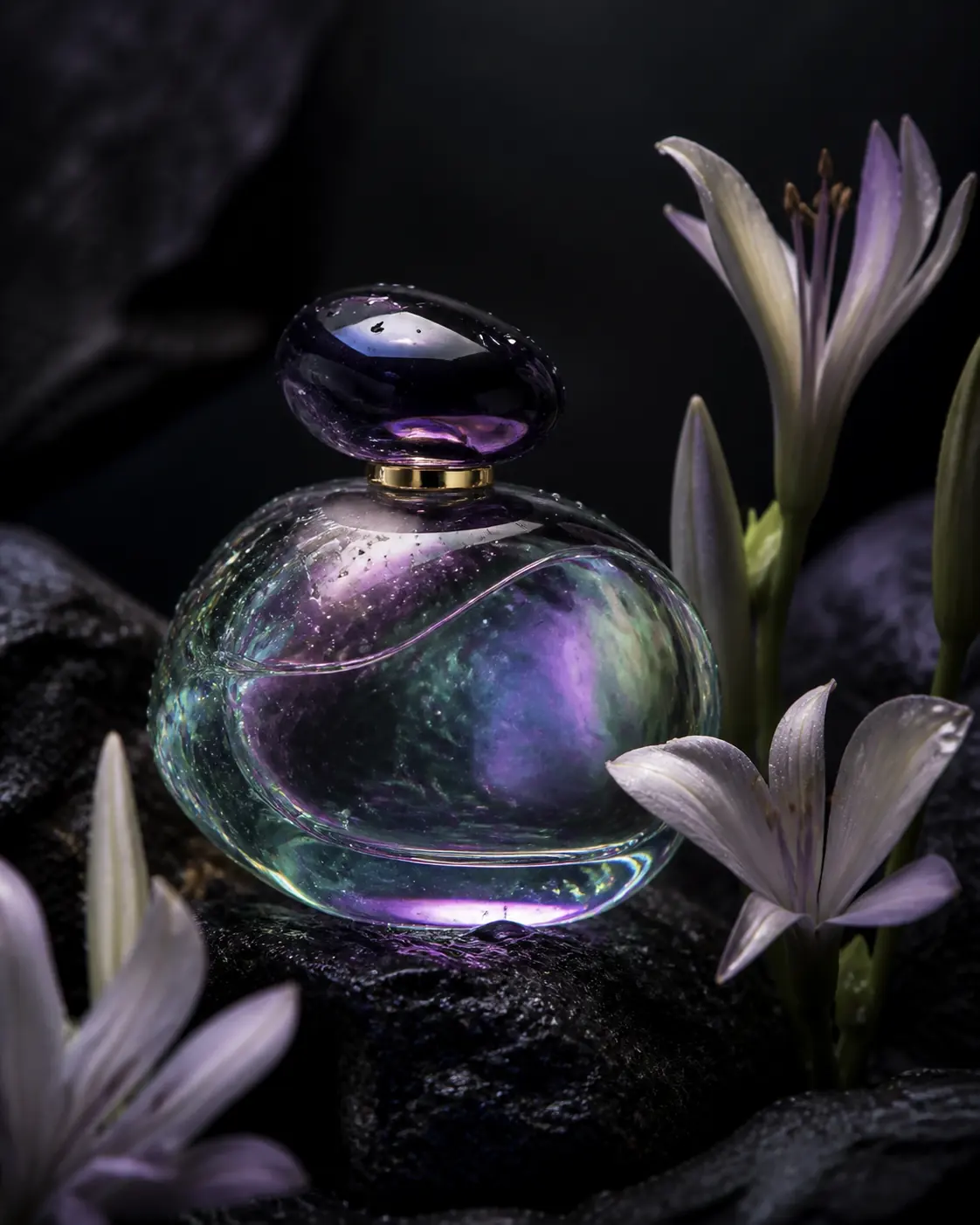
Iridescent product
Interface preview
Describe an idea and prepare a high-fidelity image with controlled composition, light, typography, and style.
Interface preview only. No files are uploaded and no credits are used.
IMAGEInterface preview
 IMAGE
IMAGEInterface preview
 IMAGE
IMAGEInterface preview
 IMAGE
IMAGEInterface preview
Turn a written visual brief into a planned image using subject, composition, lighting, materials, palette, style, and typography.
Identify the main subject, visible action, setting, and purpose before adding aesthetic language.
Specify viewpoint, framing, hierarchy, negative space, and the intended placement of important elements.
Use observable lighting direction, surface properties, palette, lens, or medium instead of vague quality words.
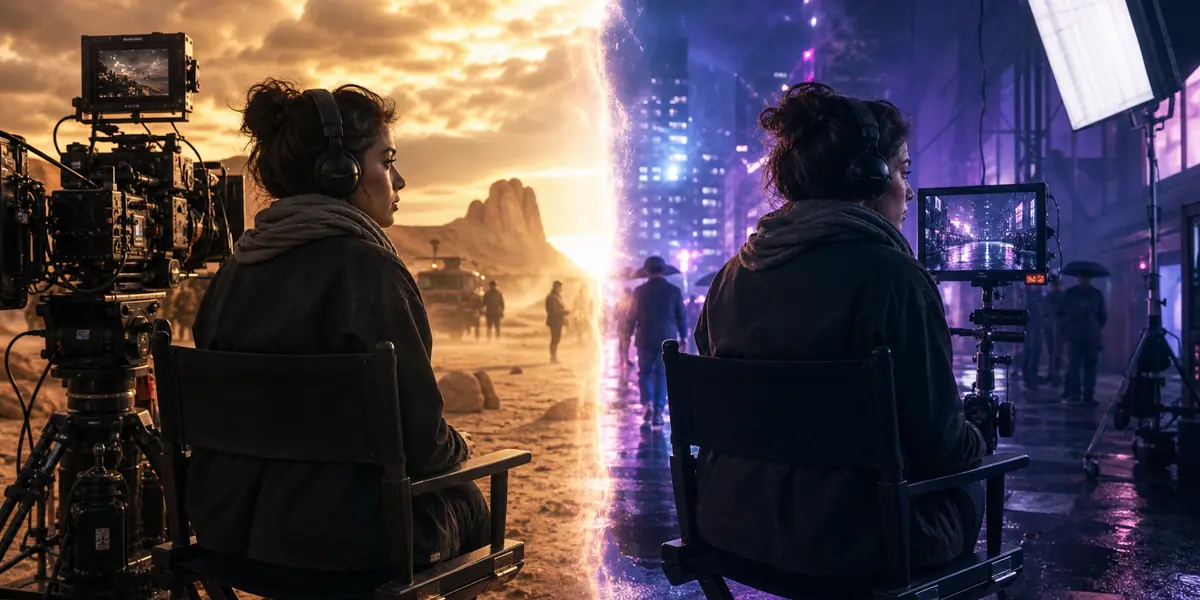
Inspect anatomy, geometry, edges, text, and prompt adherence, then revise one major variable at a time.
WHEN TO USE ITExplore product launches, key visuals, posters, and art direction from a written brief.
Plan portraits, covers, illustrations, and social compositions in specific formats.
Visualize characters, products, spaces, materials, and environments before production.
Text to image is most useful when the idea exists as a written requirement rather than an approved visual. A dependable brief separates what must appear from how the image should feel, giving every revision a clear reason instead of treating the prompt as a pile of style tags.
Name the final asset—a product hero, editorial portrait, poster, environment study, packaging concept, or social composition—and state its destination ratio. The deliverable determines how much negative space is needed, where the subject belongs, and whether typography must remain readable at a small display size.
Explain where objects sit, which element is dominant, where the light originates, and how materials react to it. A sentence such as “the bottle stands on pale stone with a cool rim light separating it from the background” gives more usable direction than a list containing bottle, stone, blue, premium, and cinematic.
Place short copy in quotation marks, identify its exact location, and describe hierarchy, alignment, color, and type character. Generated wording must still be checked letter by letter. Product names, prices, claims, labels, and legal copy should never be accepted from a distant preview alone.
Review subject accuracy, composition, viewpoint, lighting, material, palette, anatomy, typography, and intended use separately. Preserve the parts that already work, then revise one priority. Changing composition, light, material, and style at once makes it impossible to know which instruction improved or damaged the result.
Text-to-image generation creates a new still image from a natural-language description without requiring a source image.
Start with subject and intent, then add environment, composition, viewpoint, lighting, materials, palette, medium, and required text.
Not yet. The interface is a coming-soon preview and does not submit a task or use credits.
Yes. Put concise required wording in quotation marks and state its location and visual hierarchy, then proofread the result.
Check the required input, choose output settings, and review the workflow-specific guidance above before starting.
Review the controls →