 IMAGE
IMAGECONCEPT / 01
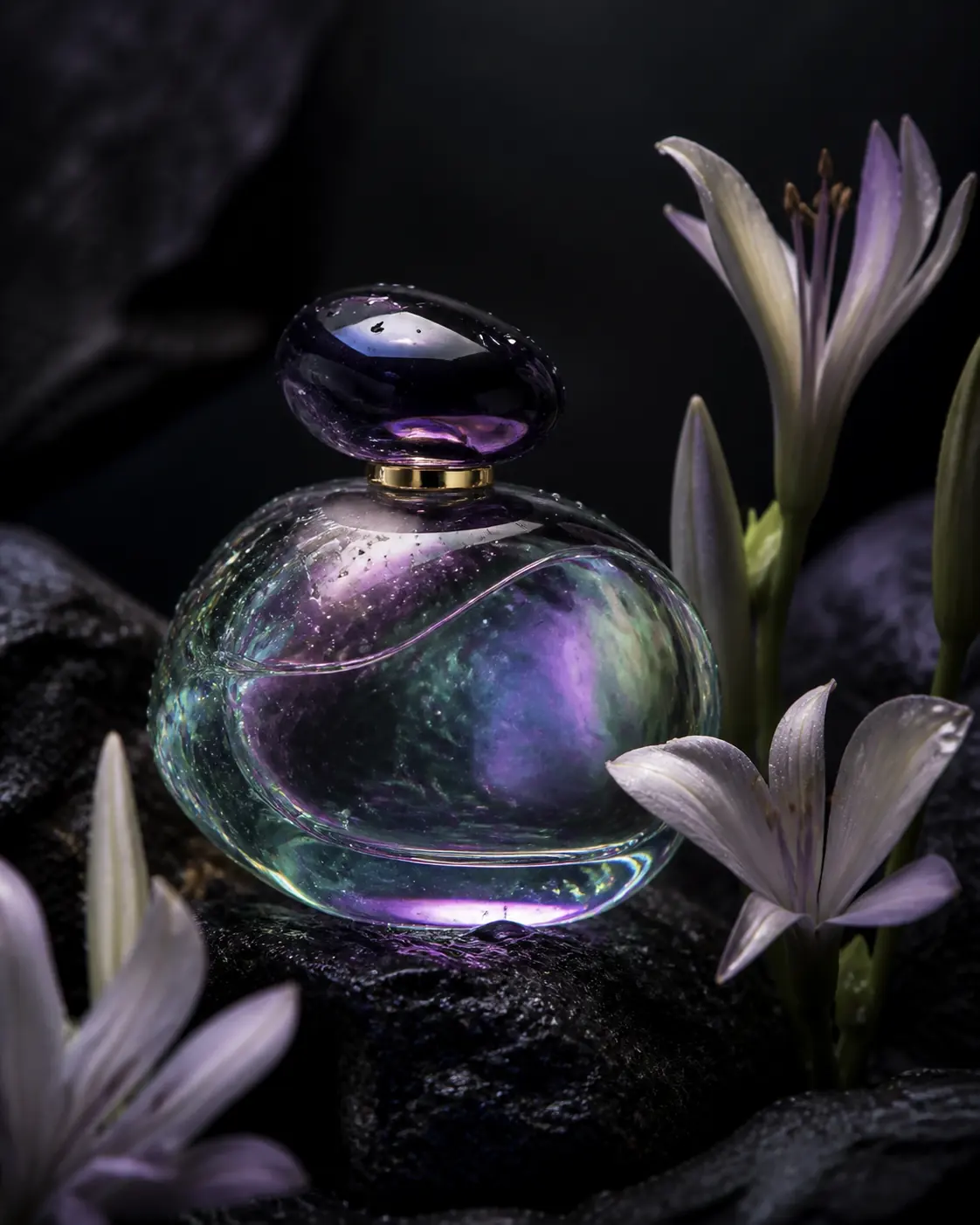
Iridescent product
Interface preview
Describe an idea and prepare a high-fidelity image with controlled composition, light, typography, and style.
Interface preview only. No files are uploaded and no credits are used.
IMAGEInterface preview
 IMAGE
IMAGEInterface preview
 IMAGE
IMAGEInterface preview
 IMAGE
IMAGEInterface preview
Use reference images as separate visual instructions for identity, composition, palette, material, and style within one organized image brief.
Decide whether each image controls identity, composition, material, palette, typography, or the overall visual language.
Remove redundant or conflicting examples and use only the evidence needed to communicate the intended result.
Tell the prompt which reference has priority and which properties may change during generation.

Compare the output against every assigned role and check for accidental copying, drift, or mixed visual signals.
WHEN TO USE ITUse approved identity references while changing scene, pose, wardrobe, light, or composition.
Combine product, material, palette, and layout references into a traceable campaign brief.
Coordinate environments, architecture, props, characters, and atmosphere across related images.
A reference set is useful only when every image has a defined job. Treat the set as a visual specification: identify which source governs identity, which establishes composition, and which contributes material, palette, typography, or atmosphere.
Label each source before writing the prompt. Reference A might control facial identity, B the camera angle, C the product material, and D the lighting palette. If two images communicate the same role, keep the clearer one. A compact reference map is easier to review than an unranked mood board.
Look for incompatible viewpoints, lighting directions, seasons, proportions, or design languages. Decide which instruction wins and state that priority. If a portrait reference shows warm frontal light while the composition reference requires a cool silhouette, explain which property transfers from each rather than asking both images to define the complete result.
For characters and products, describe stable identifiers independently from wardrobe, setting, pose, surface treatment, and color. This makes it possible to change art direction without weakening the identity signal. Reuse the same identity description across related outputs and record which reference version produced the most stable result.
Score every assigned role separately. Confirm that intended characteristics transferred, that protected identity or geometry did not drift, and that irrelevant background details were not reproduced. References guide the output; they do not remove the need to verify rights, consent, logos, factual claims, or brand-sensitive visual details.
Reference images provide visual context that text alone may not communicate precisely, such as identity, shape, material, palette, or composition.
Use the minimum number needed and give every image a distinct role. Redundant or conflicting references can make direction less clear.
Yes. State what should transfer from each source and what may change so the visual hierarchy is explicit.
Not yet. The workspace is marked coming soon and currently does not upload references, submit generation, or consume credits.
Check the required input, choose output settings, and review the workflow-specific guidance above before starting.
Review the controls →