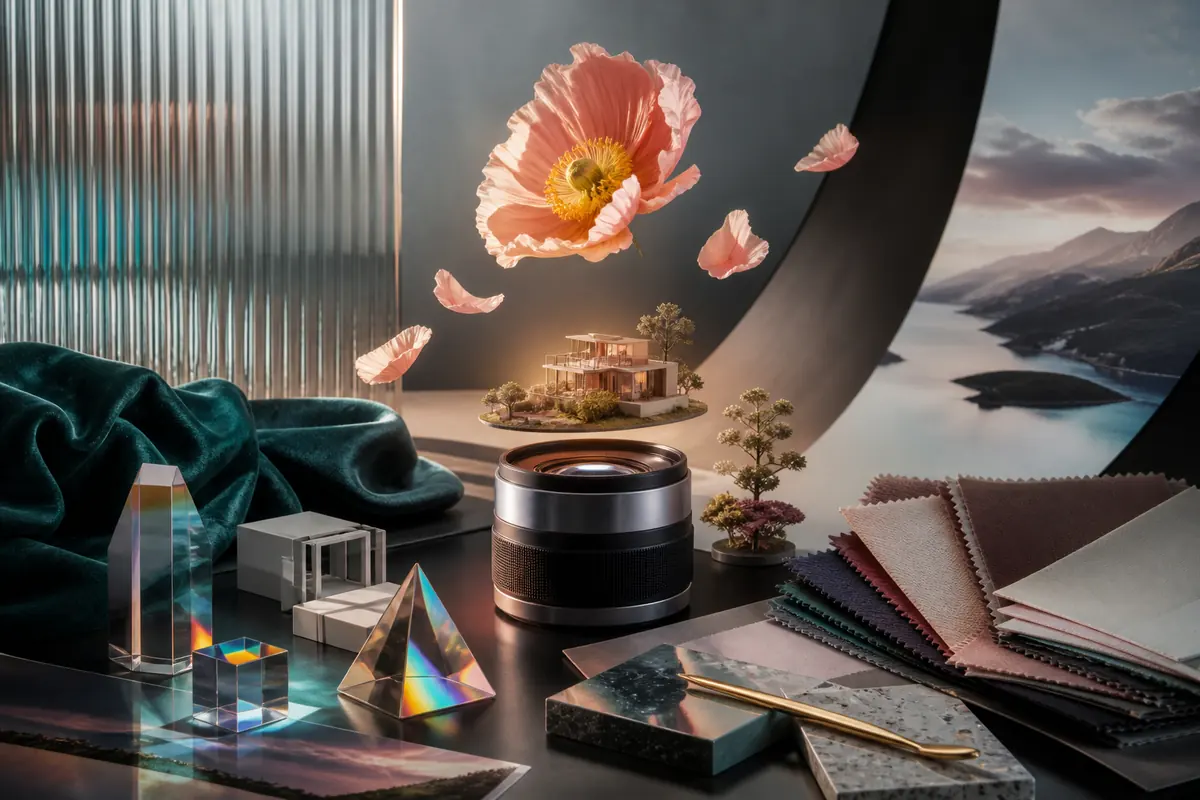
Start with a flexible FLUX 3 AI image prompt formula
There is no single official formula that guarantees a strong image. A practical starting structure is: subject + action or pose + environment + composition + lighting + material and color + visual medium + required text. Use only the fields that clarify the goal. Black Forest Labs’ prompting basics recommends natural language and says useful templates are starting structures rather than strict syntax. An AI image prompt generator can organize fields, but it cannot choose your creative priority or inspect factual errors.
A ceramic conservator examining a cracked blue vase, seated at a pale oak workbench, medium three-quarter composition, soft north-window light, visible glaze texture and fine dust, restrained blue and warm-grey palette, editorial photography.
Write detailed prompts without adding noise
Put the primary subject and intent first, then add details in visual order. Describe relationships—where the subject sits, which light reaches it and what must remain visible—instead of stacking unrelated adjectives. A detailed prompt is useful when each detail changes the image. If two instructions compete, remove or rank one. BFL’s official FLUX guidance emphasizes clear descriptions and progressive refinement rather than maximum prompt length.
- Lead with the subject and intended image
- Add environment and composition
- Describe light, materials and palette
- Remove details that do not change the result
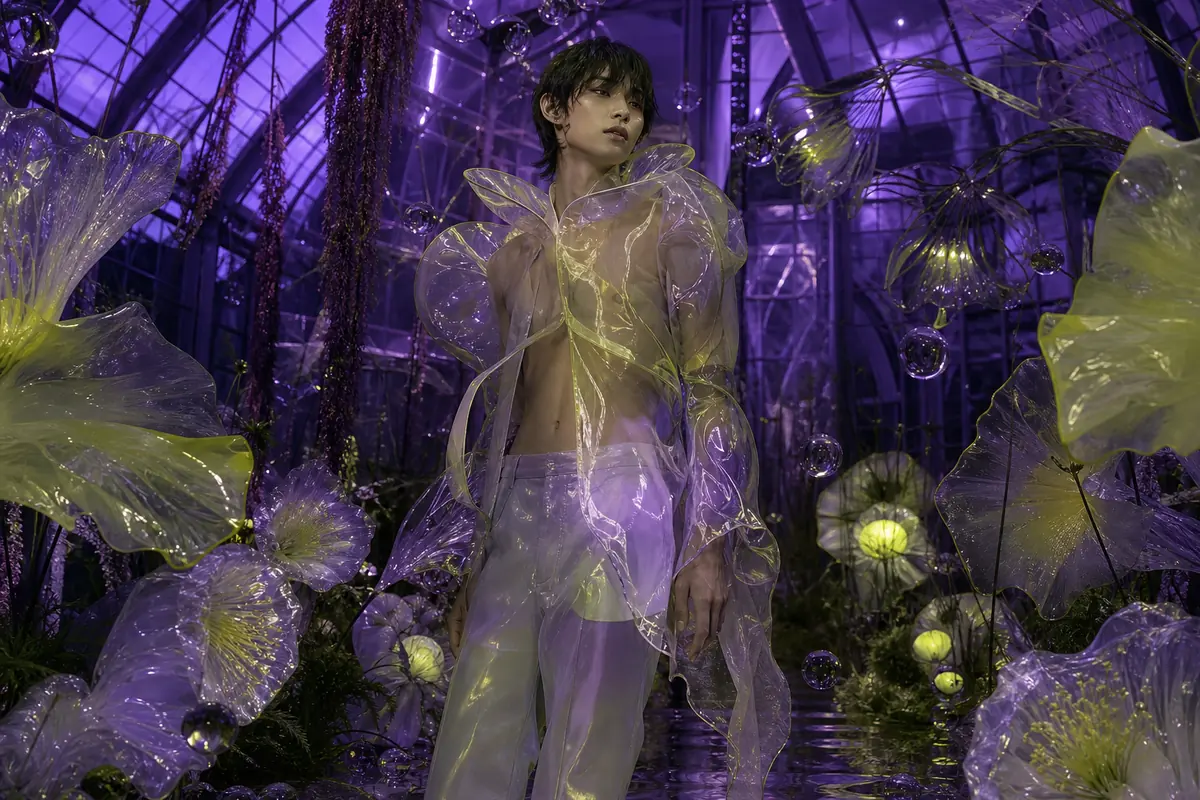
Create realistic AI image prompts
Realism comes from observable photographic evidence. Describe scale, surface texture, source and direction of light, depth, weather and small physical imperfections. BFL’s official style guide recommends specific camera, lens and lighting language for photorealistic FLUX images. Those examples document the broader FLUX image family, so they support a writing method rather than guaranteeing that a named camera produces identical behavior in every model or provider.
Environmental portrait of a bicycle frame builder inside a narrow workshop, medium shot at eye level, 50 mm perspective, diffuse skylight from the left, natural skin texture, scratched steel tools, fine metal filings on the bench, background shelves gently out of focus.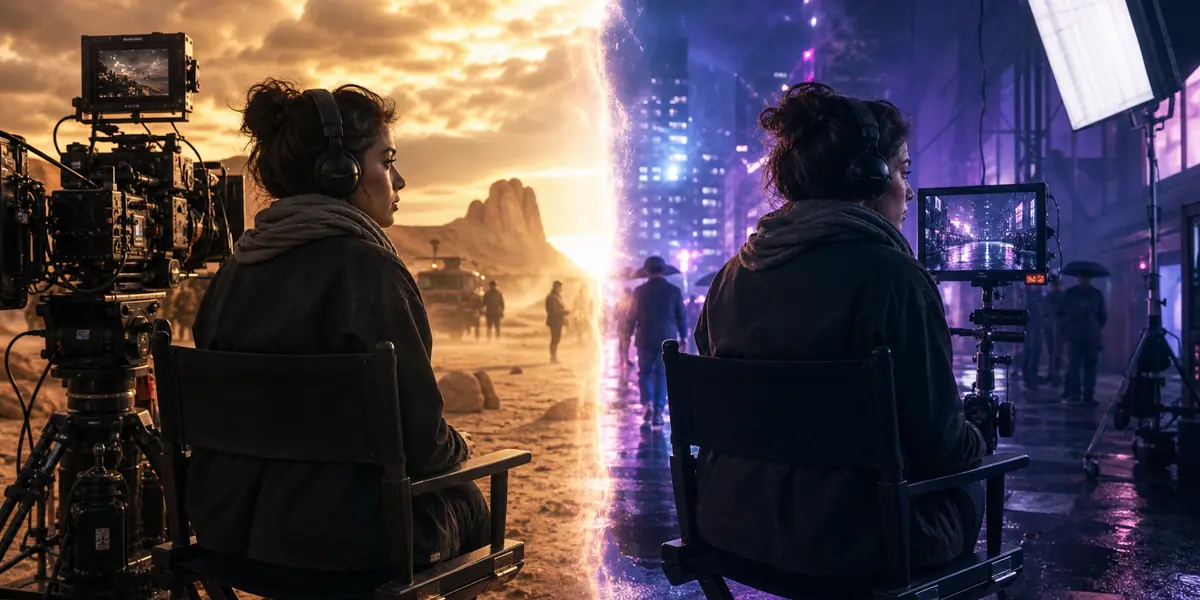
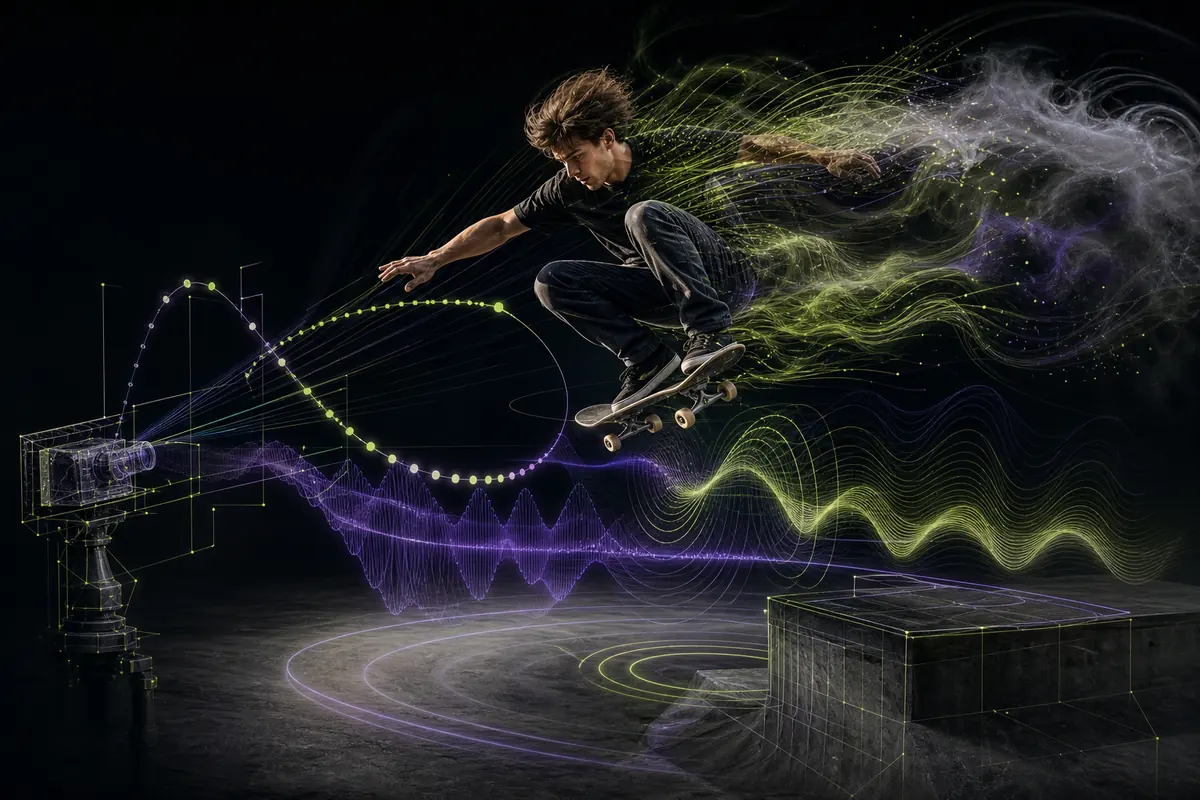
Describe lighting and camera angles clearly
Separate lighting from viewpoint. Lighting describes source, direction, softness, color and contrast; camera language describes framing, height, angle and apparent lens perspective. Window light is soft and directional, overhead light can feel graphic, and backlight can reveal edges or atmosphere. An overhead view explains layout, a low angle increases visual dominance and an eye-level portrait feels more direct. Include technical camera terms only when they support the intended appearance.
- Light source: window, sun, softbox, practical lamp or screen
- Quality: hard, diffused, high-key, low-key or backlit
- Framing: wide, medium, close-up, macro or overhead
- Perspective: eye level, low angle, high angle or three-quarter view
Build cinematic AI image prompts
A cinematic image needs a readable story moment, composition and light—not only the word “cinematic.” State what has just happened or is about to happen, place the subject deliberately and use color contrast to direct attention. BFL presents FLUX 3 as supporting a broad range of styles beyond conventional cinematic output, so this is one creative approach rather than an official quality mode.
Wide nocturnal frame of a field medic reaching an abandoned mountain relay station during a snowstorm, subject on the left third, one warm doorway against deep blue ambient light, wind-driven snow crossing the foreground, distant antenna disappearing into cloud, restrained contrast and urgent stillness.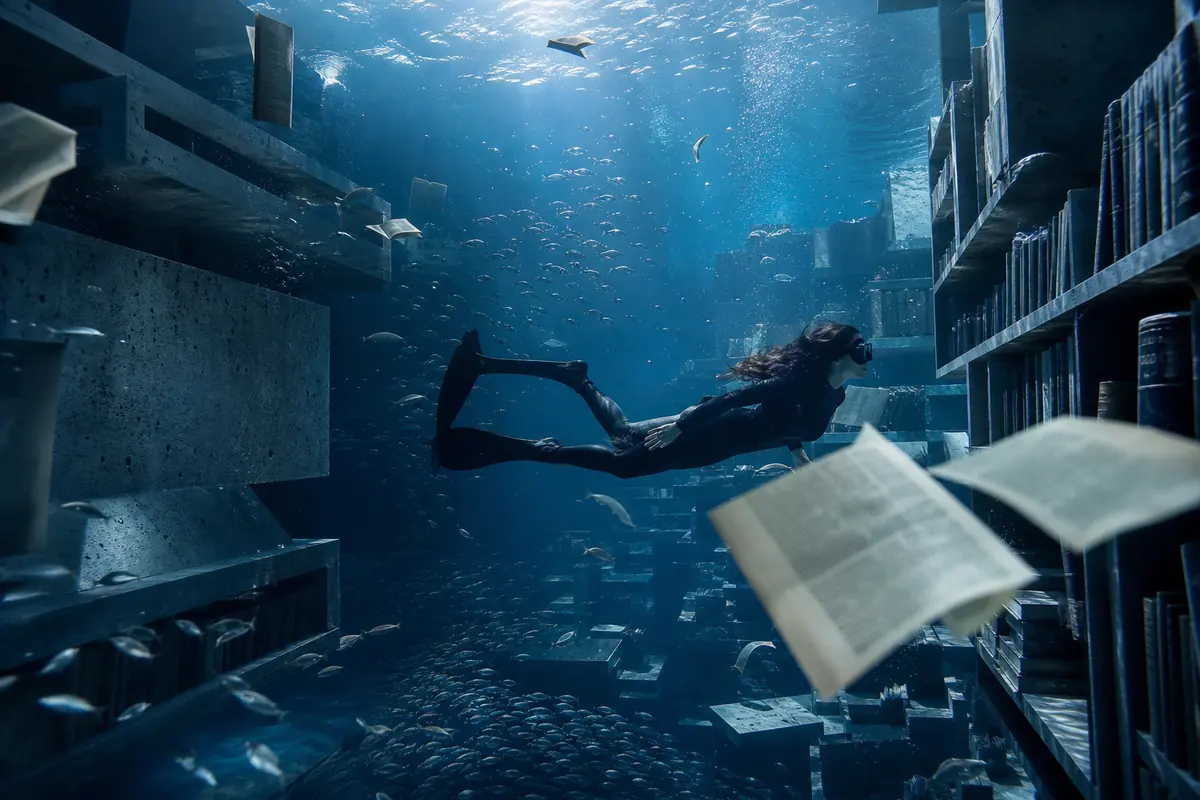
Write AI image prompts for product photography
Define the product’s shape, materials, finish, camera angle, surface, lighting and required negative space. Associate colors with specific parts instead of giving a loose palette. For packaging, quote short required text and describe its position. FLUX 3 is officially presented as handling complex prompts and highly accurate multilingual text, but generated labels, logos, dimensions and legal copy still need manual verification.
Premium studio photograph of a cobalt-blue cylindrical glass serum bottle with a brushed aluminium cap, three-quarter front view on pale limestone, soft rectangular key light from the left, narrow cool rim light, crisp label text “NORTH / 03” centered on the bottle, generous empty space above.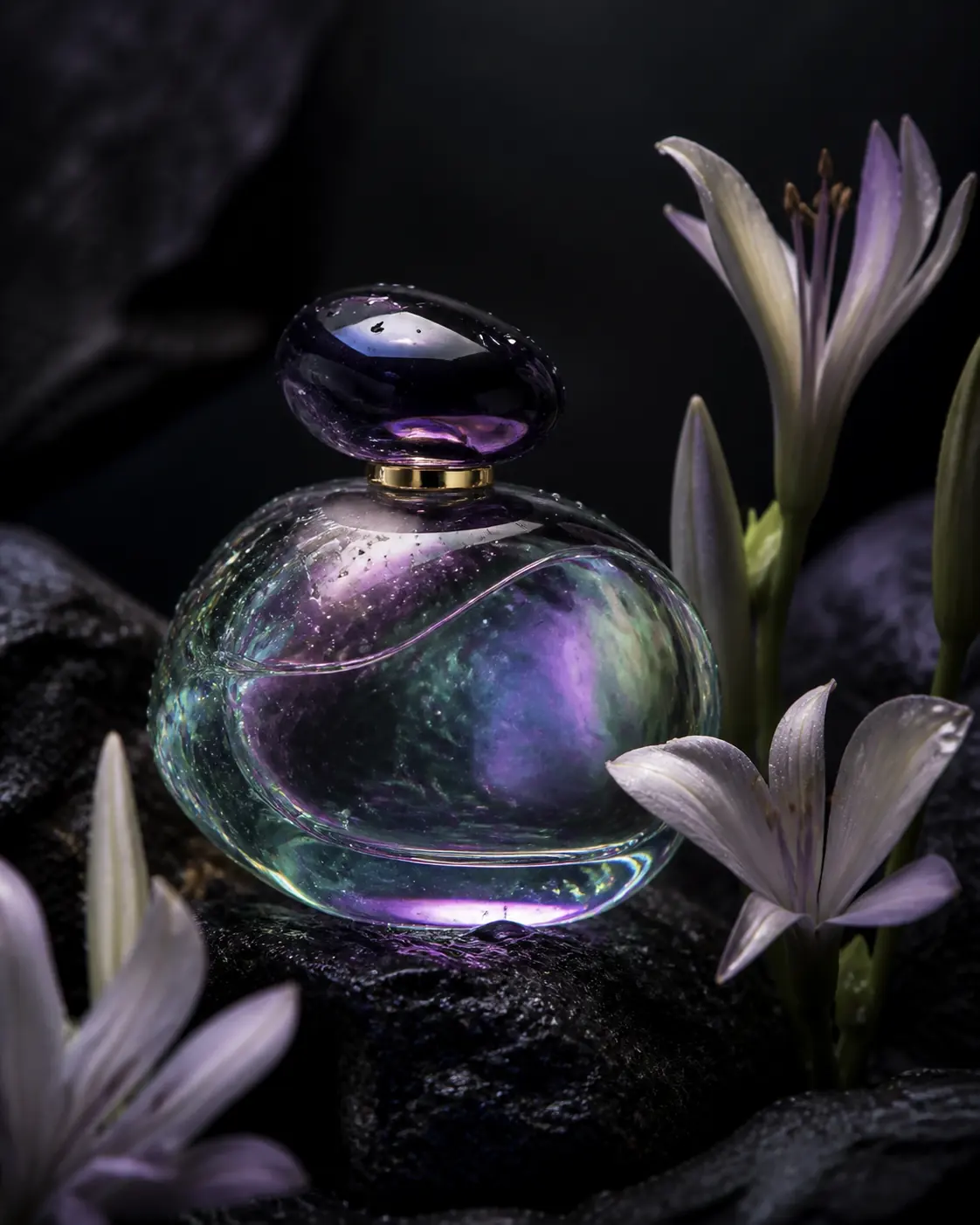
Write AI image prompts for portraits
Describe expression, pose, viewpoint and visible features before styling. Keep identity details separate from wardrobe, location and photographic treatment. When a reference is available, explain whether it should guide identity, pose, styling or palette. Always obtain permission for identifiable people and review facial consistency, anatomy and context before publishing.
Waist-up portrait of a marine biologist in her early forties, calm direct expression, hands resting on a weathered research case, eye-level camera, soft overcast deck light, wind moving loose jacket fabric, realistic skin texture, muted navy and rust palette, documentary editorial style.Adapt image prompts for art and social media
For AI art, name the medium and its visible properties—dry brush edges, cut-paper layers, ceramic glaze or screen-print texture—rather than relying only on an artist’s name. For social media, choose the destination ratio, reserve clear space for interface overlays and make the central idea readable at small size. Keep important copy short. Describe the visual system consistently if several posts must belong to the same campaign.
Vertical 4:5 campaign image of a folded chrome flower emerging from matte black paper layers, sharp cyan edge light, tactile cut-paper shadows, centered lower in frame with clear space across the upper third for a headline, bold graphic composition readable on a phone screen.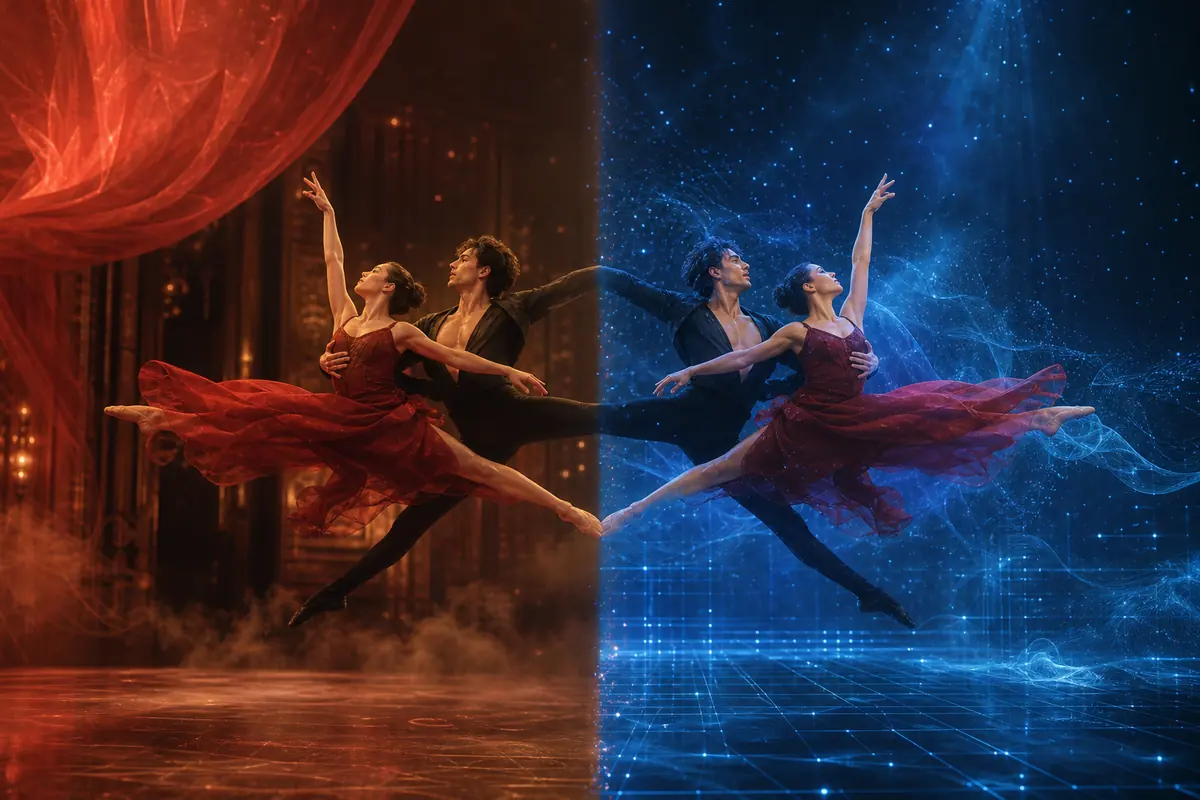
Improve AI image generation results systematically
The best AI image prompt is one that produces a usable result for a defined task, not the longest or most ornate prompt. Compare the output with the brief and identify the largest failure: subject, composition, lighting, material, anatomy, typography or reference fidelity. Preserve successful wording and change one important variable. BFL’s prompting basics explicitly recommends starting simply, checking what worked and refining one detail at a time.
- Evaluate against the intended use
- Inspect important details at full size
- Verify every visible word and factual claim
- Save prompt versions, references and selected outputs
Turn an approved image into a reusable prompt system
Once an image direction is approved, separate its reusable visual system from the details of one scene. The reusable layer may include composition rules, viewpoint, lighting character, material treatment, palette, typography hierarchy and negative-space requirements. The scene layer contains the current subject, action, product, location and copy. Save both layers with the reference files and destination ratio. For a campaign series, keep the reusable layer stable while replacing only the scene layer; this gives reviewers a consistent basis for judging whether new images belong together. Do not hide brand-critical requirements inside broad style language. State product proportions, logo position, palette ownership and protected text separately. A prompt system is valuable because it preserves decisions, not because it makes every output identical. Continue checking drift, factual accuracy and suitability for the final channel.
- Separate reusable art direction from scene-specific content
- Keep brand-critical requirements explicit
- Store prompts with references and output ratios
- Review every new image against the approved visual system
Resolve conflicts inside detailed image prompts
Detailed prompts become unreliable when composition, lighting, material and style instructions disagree. Read the brief in visual order. Confirm that the requested camera angle can show every protected feature, that the light can plausibly create the stated reflections, and that the palette is assigned to specific objects. Remove phrases that repeat quality without changing the picture. When references conflict, give each one a role and state which has priority. A face reference should not silently control wardrobe; a material reference should not replace product geometry. Typography needs its own space, contrast and hierarchy instead of being appended as an afterthought. If an output is close, preserve the working subject and composition language while revising one category. This makes the next result easier to diagnose and prevents a successful layout from disappearing during an unrelated material or color correction.
- Check camera, light and material instructions for physical compatibility
- Assign every reference one role and priority
- Reserve composition space for required typography
- Change one failing category while preserving successful wording
Create an image prompt proofing and handoff record
A production prompt is incomplete without evidence of how its output was reviewed. Save the final prompt with reference files, aspect ratio, selected image and notes describing what was accepted. Add a proofing checklist for anatomy, product geometry, edges, reflections, typography, logos, color and factual claims. Review the image at full resolution, final display size and inside its intended layout. If a designer retouches the output, preserve those changes as a separate derivative and record which problems were corrected manually. For a campaign series, identify the reusable elements—composition rule, light character, material treatment, palette and typography hierarchy—and distinguish them from the current scene. This handoff record helps another contributor continue the visual system without guessing which words, references or corrections were essential.
- Store prompts, references, selected outputs and review notes together
- Proof both the source resolution and final layout
- Keep retouched derivatives separate from generated originals
- Document reusable art direction for related images
Evidence used in this image prompt guide
Official links establish the available image context. The writing framework and sample prompts reflect practical creative testing.
Black Forest Labs — FLUX 3 official image capabilities↗Black Forest Labs — FLUX 3 official announcement and rollout↗Black Forest Labs Docs — Official FLUX prompting guide↗Black Forest Labs Docs — General FLUX prompting basics↗Black Forest Labs Docs — Style, aesthetics and text guidance↗