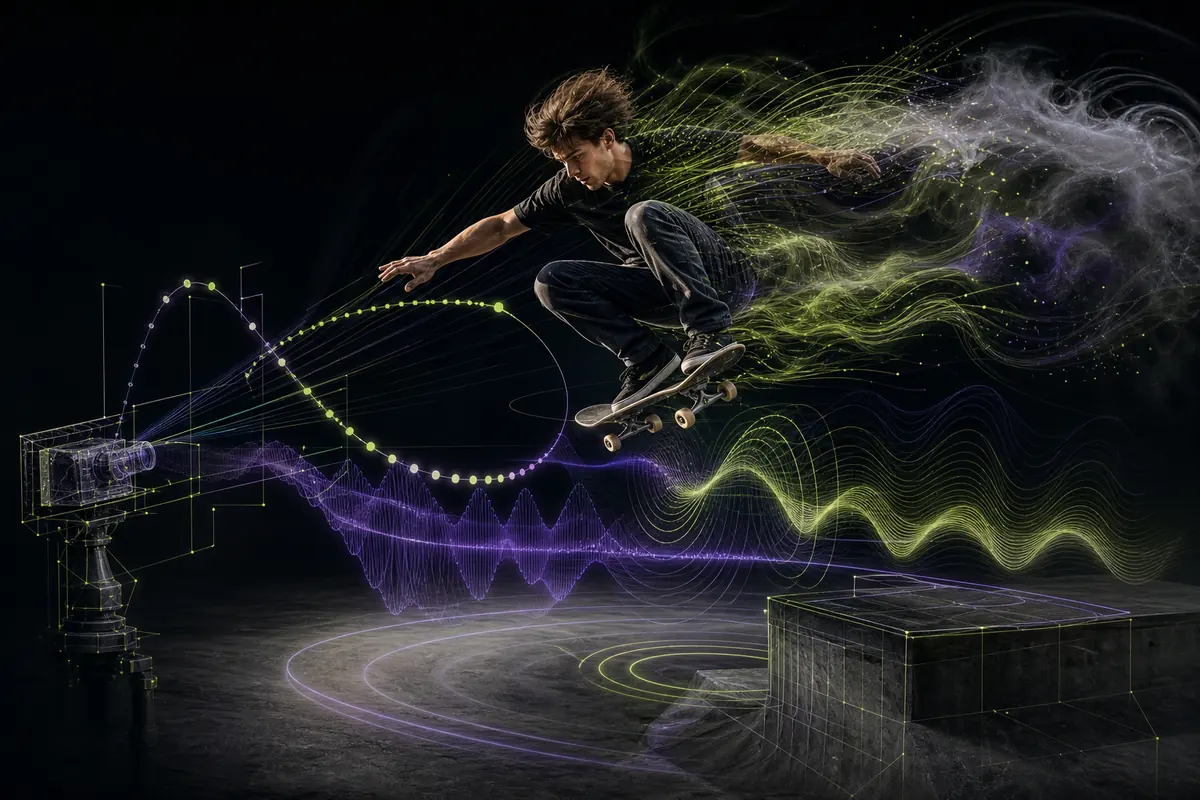
Start with a flexible FLUX 3 AI video prompt formula
There is no official universal formula that guarantees a strong video. A useful starting structure is: subject + visible action + environment + framing + camera movement + light and style + sound + ending. Use only the fields that clarify the shot. Black Forest Labs’ FLUX guidance favors clear natural-language descriptions and iterative refinement, while FLUX 3 officially supports simple or complex prompts. An AI video prompt generator can help organize these fields, but it cannot decide the creative priority or verify the result for you.
A night-shift baker slides a tray into a brick oven; warm flour-dusted bakery; medium side view; slow push-in; practical amber light; quiet oven crackle and metal tray sound; end as the oven door closes.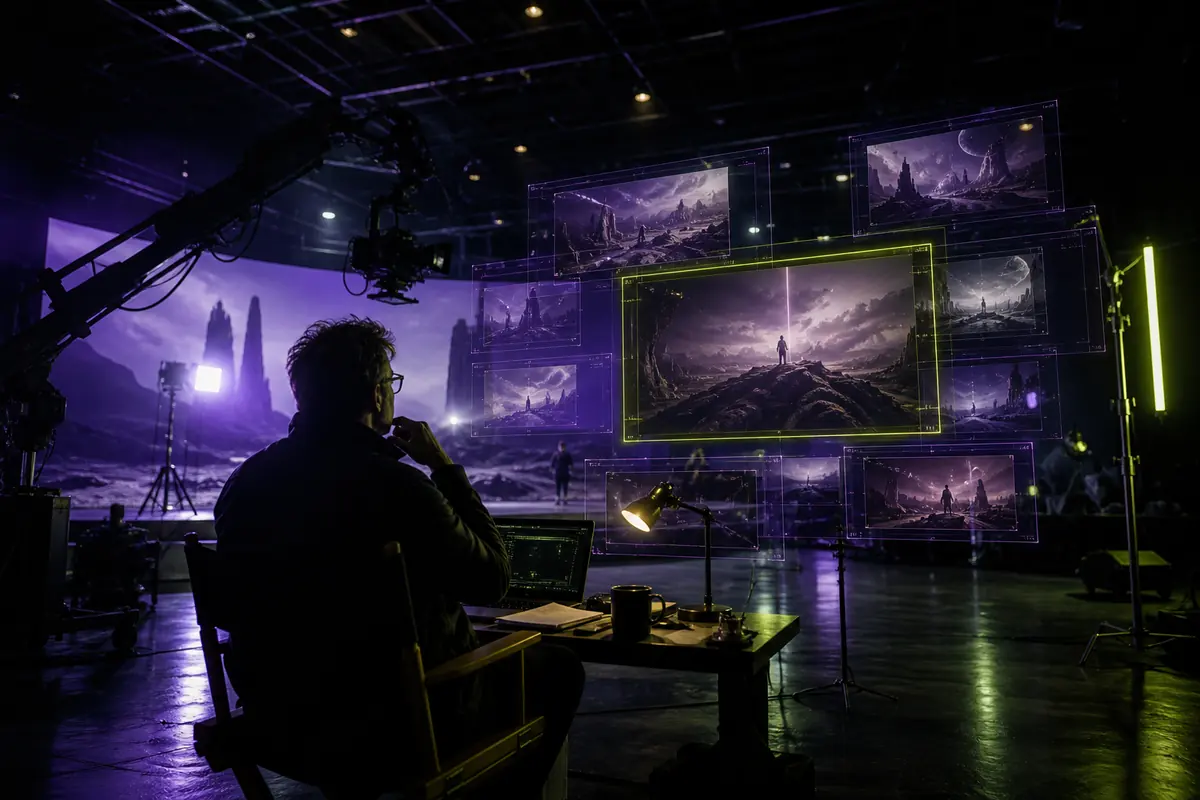
Write text-to-video prompts for one readable event
Text-to-video begins without a visual anchor, so define the subject, action and location before style. Keep a short clip centered on one event with a clear beginning and ending. Add spatial relationships that can be seen: where the subject enters, what it touches and where the camera is positioned. FLUX 3 officially supports text-to-video, multiple scenes and camera angles, but a longer list of events is not automatically easier to direct.
A red rescue drone descends between rain-soaked apartment towers and delivers a medical case to a rooftop paramedic. Wide establishing shot becomes a restrained lateral track. Real-time motion, overcast daylight, rotor wash moves loose fabric. End as the paramedic catches the case.
Write image-to-video prompts around change
An uploaded image already defines some appearance and composition, so the prompt should explain what changes over time. Identify subject motion, environmental motion, camera behavior and the details that must remain stable. Black Forest Labs describes FLUX 3 image-to-video as either continuing from a starting frame or using images as visual references. Do not spend the whole prompt redescribing the still image while leaving motion ambiguous.
Use the uploaded image as the opening frame. Keep the bottle shape, label and blue glass unchanged. Condensation forms gradually as the camera makes a slow clockwise orbit. A narrow highlight travels across the glass. End with the label centered toward the camera.Describe camera movement without contradictions
Separate shot size, camera angle and movement. Shot size describes how much of the subject is visible; angle describes the camera’s position; movement describes how that position changes. Use one primary move unless a transition is essential. A tracking shot follows action, a push-in reduces distance, a pullback reveals context, a pan rotates horizontally and a crane changes height. Avoid combinations such as “locked handheld orbit,” which ask for incompatible behavior.
- Shot size: wide, medium, close-up or macro
- Angle: eye level, low, high, overhead or point of view
- Movement: track, push in, pull back, pan, tilt, orbit or crane
- Focus: state what remains sharp when focus changes
Create realistic AI video prompts
Realism comes from consistent evidence rather than the phrase “photorealistic.” Describe plausible materials, weight, contact, weather, light sources and motion speed. Connect environmental reactions to the action: cloth responds to wind, water responds to impact and sound follows its visible cause. FLUX 3 was jointly trained across image, video and audio, and BFL positions physical and acoustic relationships as part of its multimodal approach; individual outputs still require review.
Documentary-style medium shot of a bicycle mechanic tightening a wheel in an open street workshop after rain. Natural overcast light, damp concrete reflections, accurate hand contact with the wrench, restrained handheld movement, distant traffic and one clear metallic click.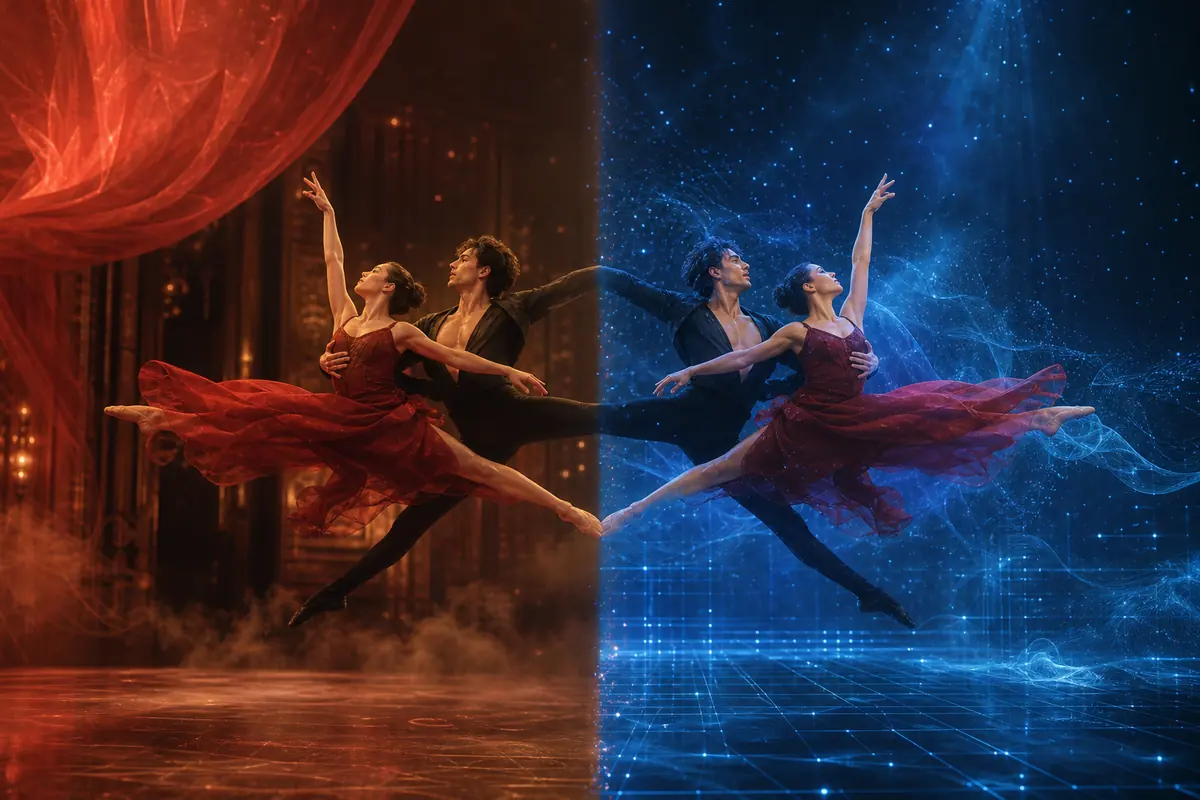
Build cinematic AI video prompts with purpose
Cinematic direction should support a story beat. Define framing, camera behavior, light, palette, pace and the final reveal instead of adding “cinematic” as decoration. FLUX 3’s official examples cover styles beyond conventional cinema, so cinematic language is one option rather than a quality setting. A slow push-in may intensify attention; a wide locked frame may make a subject feel isolated; a handheld track may add urgency.
Wide nocturnal frame of a lone archivist entering a flooded library, subject small against towering shelves. The camera cranes down slowly as emergency lights pulse through mist. Deep blue ambient light with one warm lantern. Water ripples and distant wood creaks. End on a sealed red book above the waterline.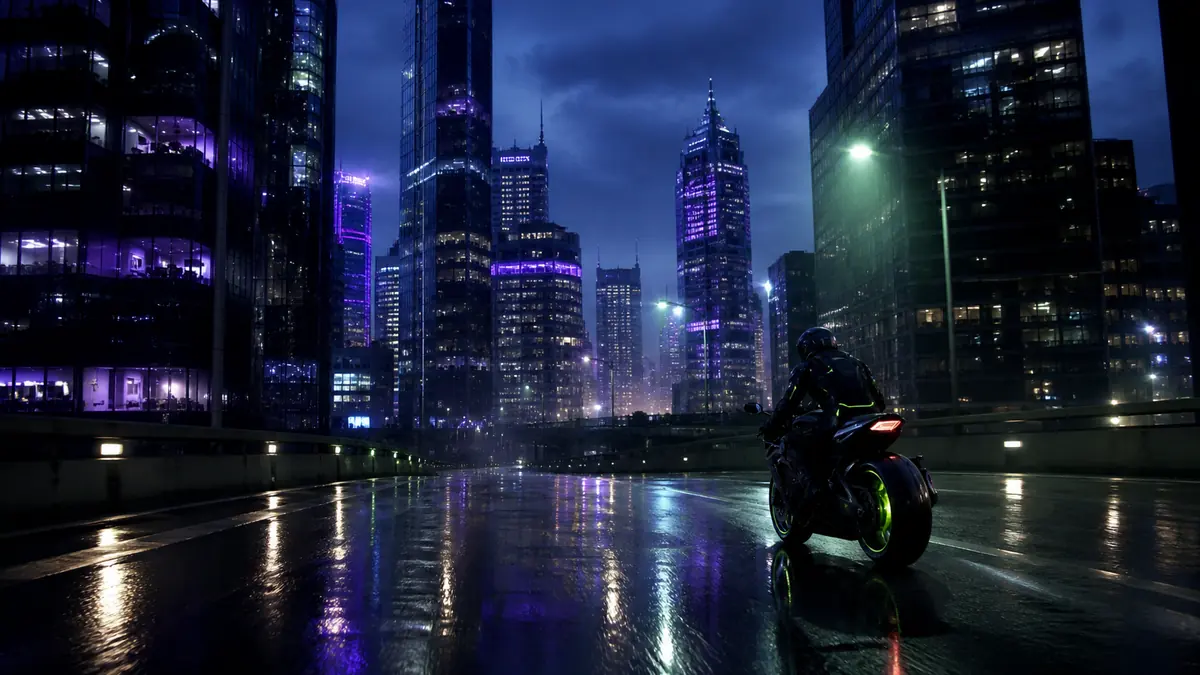
Prompt product videos and social media clips
For a product video, protect geometry, material, label orientation and the final hero view. For social media, establish the vertical or square composition, make the opening action immediately readable and keep essential text away from interface overlays. Do not assume generated branding is accurate: verify every logo, claim and character. The same prompt can be adapted by changing duration, framing and ending rather than replacing the product description.
Vertical product video of a cobalt-blue glass serum bottle on pale limestone. Begin with a drop of water striking beside the bottle; slow macro push-in as condensation catches a cool rim light; keep bottle geometry and label “NORTH / 03” stable; clean studio sound; end on a centered label with clear space above.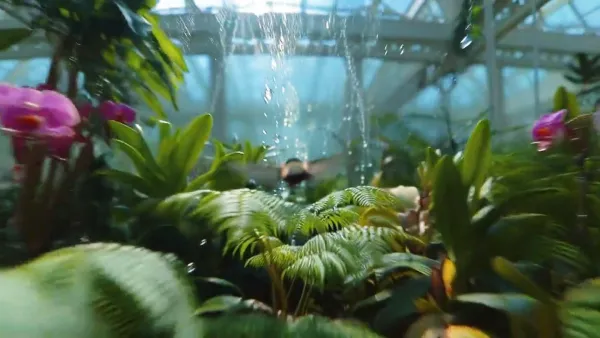
Write dialogue, effects and ambience with hierarchy
FLUX 3 officially supports optional native audio, multilingual speech, effects and ambience. Name the speaker, quote concise dialogue and describe delivery only when it matters. Tie effects to visible events and use ambience to establish place. A useful hierarchy is dialogue first, action sound second and background ambience third. Then check lip movement, pronunciation, timing and unwanted changes across cuts.
Close two-shot in a quiet train compartment. The conductor looks at the passenger and says, “Last stop in five minutes,” in a calm voice. A ticket punch clicks as his hand closes it; low rail rhythm and soft carriage ambience remain underneath. Locked camera, natural window light.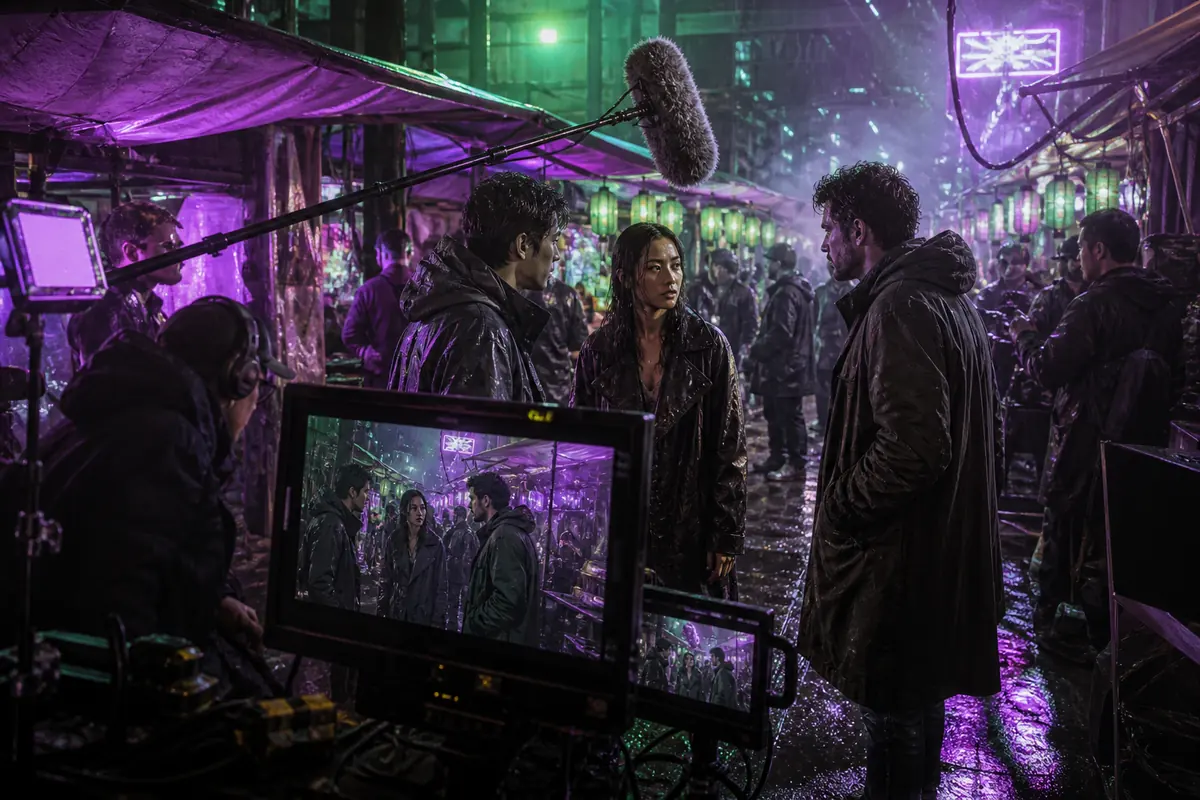
Improve AI video generation results systematically
The best prompt is the one that produces a usable result for a defined task, not the longest prompt. Watch the whole clip, identify the largest failure category and revise one variable. If identity drifts, strengthen the reference role or stable description. If motion is unclear, simplify the action. If framing fails, remove competing camera instructions. Keep prompt versions, settings and selected outputs so improvements can be traced rather than guessed.
- Review motion, identity, geometry, camera and sound separately
- Preserve wording that already works
- Change one major variable per attempt
- Test several outputs before making quality claims
Build a FLUX 3 AI video prompt test matrix
A prompt test matrix replaces guesswork with controlled comparison. Choose one representative brief and lock its subject, action, environment and ending. Create separate tests for camera movement, duration, reference strength and audio rather than changing all four together. For example, compare a locked frame with a slow push-in while keeping every other sentence identical. Then compare five and ten seconds with the selected camera direction. Use the same source image when testing image-to-video and score how well identity, geometry and composition survive each motion. Audio tests should keep the picture direction stable while varying only the dialogue length or ambience. Record the exact prompt, input files, settings, task ID and acceptance score. The purpose is not to find a universally perfect formula; it is to learn which wording and controls reliably support a particular production requirement. Reuse the winning structure for related shots and change only the scene-specific evidence.
- Lock the core brief before testing one variable
- Separate camera, duration, reference and audio experiments
- Use the same scoring categories for every output
- Promote only repeatable prompt structures into templates
Resolve conflicts inside complex video prompts
Long prompts often fail because two valid instructions compete. A close-up cannot simultaneously show a wide environment; a locked camera cannot perform an orbit; a five-second shot cannot comfortably contain several actions and a long exchange of dialogue. Read the brief as a timeline and rank its priorities. Keep one primary action, one dominant camera behavior and one final composition. Move secondary events into another shot or describe them as background ambience rather than equal story beats. Check references for similar conflicts: a source image may demand frontal composition while the prompt asks for a rear tracking view. Decide whether identity, framing or motion has priority and state what may change. Sound also needs hierarchy, with dialogue above action effects and ambience. When a result drifts, remove the lowest-priority instruction before adding new language. Clear hierarchy usually provides more control than extra adjectives.
- Rank action, camera, identity and ending before generation
- Split incompatible views or events into separate shots
- Tell the model which reference property has priority
- Remove low-value instructions before expanding the prompt
Create a team-ready video prompt template
A reusable template should capture decisions without forcing every shot into identical language. Include fields for purpose, delivery ratio, duration, subject, visible action, environment, opening composition, camera behavior, lighting, sound, ending and protected reference details. Mark which fields are mandatory for the current production and leave the rest optional. Add an acceptance checklist beside the prompt so writers, reviewers and editors evaluate the same requirements. Store the final text with input assets, settings, task identifier and selected output. When the template is reused, change scene-specific evidence while preserving terms that define a character, product or campaign. Review templates after real generations: remove fields that create noise, clarify instructions that are repeatedly misunderstood, and document the endpoint on which the wording was tested.
- Use required and optional fields instead of one oversized formula
- Pair every template with acceptance criteria
- Keep the prompt, assets, settings and selected output together
- Revise templates from observed results rather than theory
Evidence used in this video prompt guide
The linked product material supports capability notes; prompt formulas and examples reflect practical testing workflows.
Black Forest Labs — FLUX 3 official model capabilities and FAQ↗Black Forest Labs — FLUX 3 official announcement and multimodal approach↗Black Forest Labs Docs — Official FLUX prompting guide↗Black Forest Labs Docs — General FLUX prompting basics↗