Choose the control system your shot requires.
You need up to 20 seconds with native audio, ordered keyframes, continuation, varied visual styles or animated typography.
You need multiple visual references, photorealistic character direction or the Omni storyboard for explicit shot-by-shot planning.
Kling Video 3.0 and Video 3.0 Omni are distinct variants. Compare the exact product tier and API model you will use rather than treating every Kling 3.0 feature as universally available.
Two multimodal systems with different directing tools
FLUX 3 and Kling 3.0 both combine visual references, motion and native audio, but they expose different production controls. FLUX 3 emphasizes ordered keyframes and continuation; Kling 3.0 emphasizes multiple references and, in its Omni variant, explicit storyboard direction.

FLUX 3: keyframes and continuation
Black Forest Labs lists text-to-video, image-to-video, reference-video generation, keyframe-to-video and video-and-audio continuation. The workflow is useful when a creator wants to anchor specific frames, transform a shot or chain clips while retaining a visual direction.
Its stated single-generation ceiling is 20 seconds with optional multilingual dialogue, effects and ambience.
Best for: longer native-audio clips, ordered keyframes, transformations, continuation and reference-led visual experimentation.
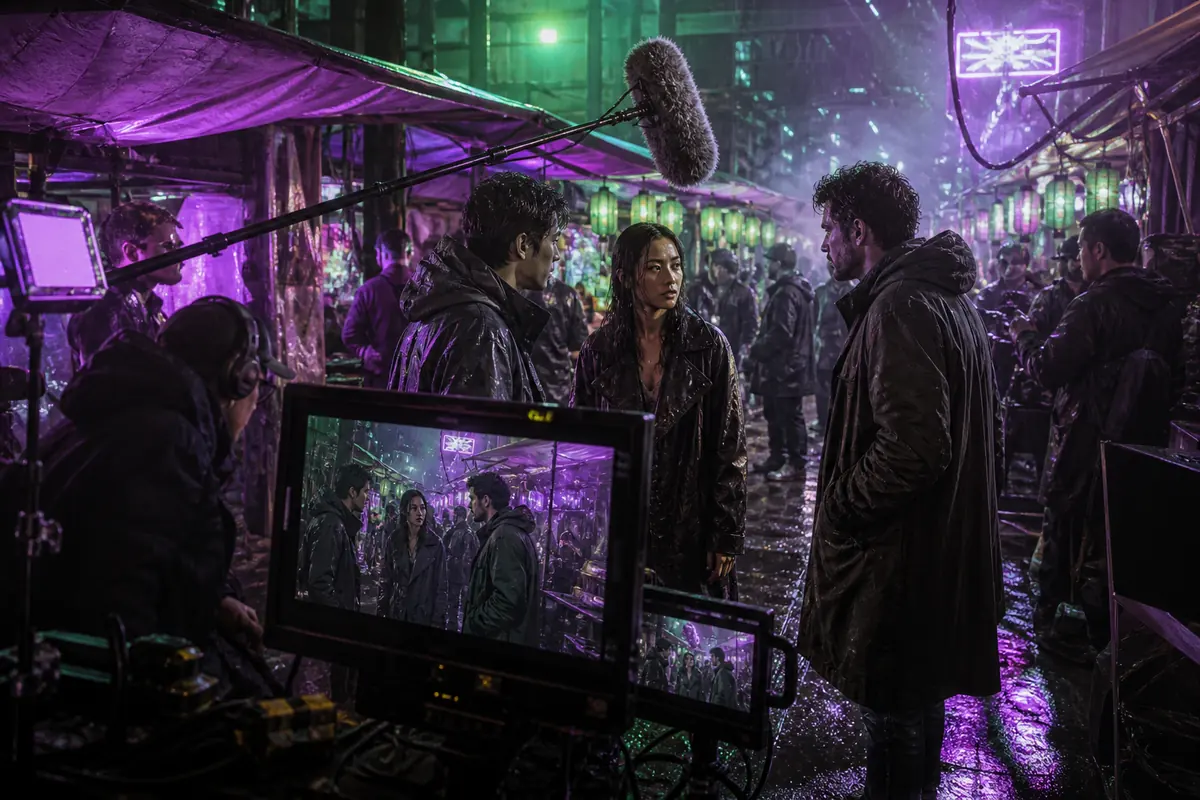
Kling 3.0: references and storyboards
Kuaishou positions Kling 3.0 as an all-in-one system across text, image, audio and video. Video 3.0 accepts multiple images and a reference video; the Omni variant adds shot-level storyboard direction for duration, perspective, narrative and camera movement.
The documented ceiling is up to 15 seconds, with native audio and multilingual dialogue support.
Best for: multi-reference character direction, photorealistic performance and shot-by-shot planning through the Omni storyboard workflow.
FLUX 3 vs Kling 3.0 features compared
| Capability | FLUX 3 | Kling 3.0 |
|---|---|---|
| Maximum documented clip | Up to 20 seconds with audio | Up to 15 seconds with audio |
| Primary controls | Text, images, video references and ordered keyframes | Text, multiple images, reference video and Omni storyboard |
| Continuation | Video-and-audio continuation and clip chaining | In-video editing; availability depends on variant |
| Dialogue | Multilingual speech, effects and ambience | Five major languages plus selected accents and dialects |
| Visual emphasis | Style range, transformations and typography | Photorealism, performance and element consistency |
| Version caveat | Staged access and separate image rollout | Video 3.0 and Video 3.0 Omni expose different controls |
Judge video quality across time, not from one frame
Vendor reels use different prompts, references and selection criteria. A useful comparison measures temporal stability, anatomy, object geometry, materials, physical contact, camera logic, typography, sound synchronization and success rate across repeated generations.
Look for weight and contact
Review feet, wheels, fabric, collisions and hand-object interaction at normal speed and frame by frame. Smooth movement can still be physically wrong.
Test more than a front-facing portrait
Include profile, distance, wardrobe and changing-light shots. Measure how long identity survives through motion and cuts.
Score requested events
List every required action, camera move, spoken line and ending. Count fulfilled requirements rather than choosing the most attractive result.
Keep rejected attempts
Cost per accepted clip is more useful than cost per generation. A beautiful outlier does not prove a dependable workflow.
A five-shot benchmark for FLUX 3 and Kling 3.0
Use comparable duration, aspect ratio and source assets. Generate several attempts per model, retain failures and score each clip against the same acceptance criteria.
Fast physical action
A courier cycles across a wet bridge at dawn. Track from the left; preserve wheel spray, jacket weight and contact with the road.
Measure: Weight transfer, collisions, anatomy and camera stability.
Identity-led image to video
Animate an approved character portrait into a restrained three-quarter turn without changing facial structure, hair, wardrobe or lighting direction.
Measure: Face identity, reference fidelity and final-frame drift.
Two-speaker dialogue
Two colleagues exchange one short line each in a quiet studio. Maintain eye line, speaker separation, lip timing and room ambience.
Measure: Exact wording, voice separation, expressions and synchronization.
Branded product shot
Orbit a glass bottle on dark stone while preserving its geometry, printed label, material reflections and centered closing composition.
Measure: Typography, product shape, surfaces and accepted-output rate.
Three-shot sequence
Wide establishing shot, medium action shot and close reaction shot with one continuous character, location and sound bed.
Measure: Narrative order, continuity, edit points and audio consistency.
Where each workflow can earn its place

Cinematic sequences
Match the directing methodUse FLUX 3 for transformations, chained clips and defined keyframes. Test Kling Omni when explicit shot sizes and storyboards are central.

Advertising
Proof the brand detailsKling emphasizes text and element preservation; FLUX 3 highlights typography and visual style. Verify every label, logo and product proportion.
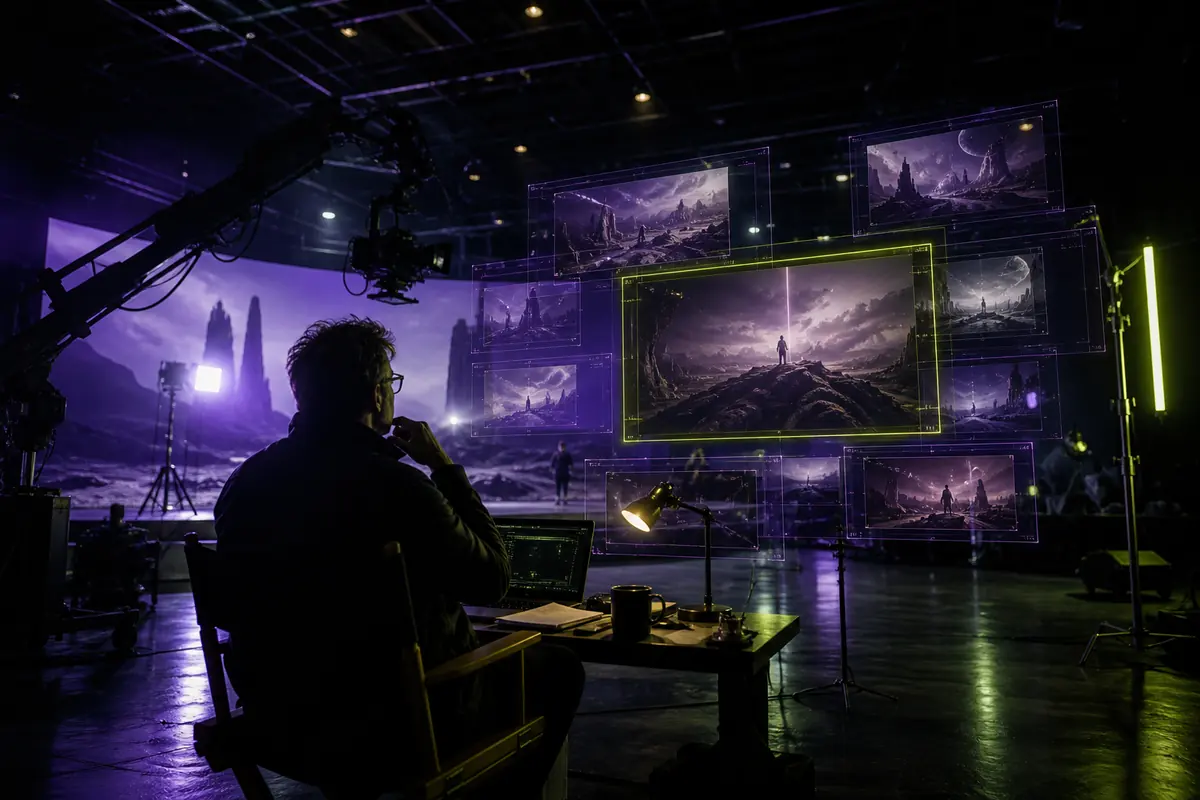
Reference-led character work
Test identity under changeKling accepts multiple reference images, while FLUX 3 offers images, video references and keyframes. Compare identity through turns, cuts and new lighting.
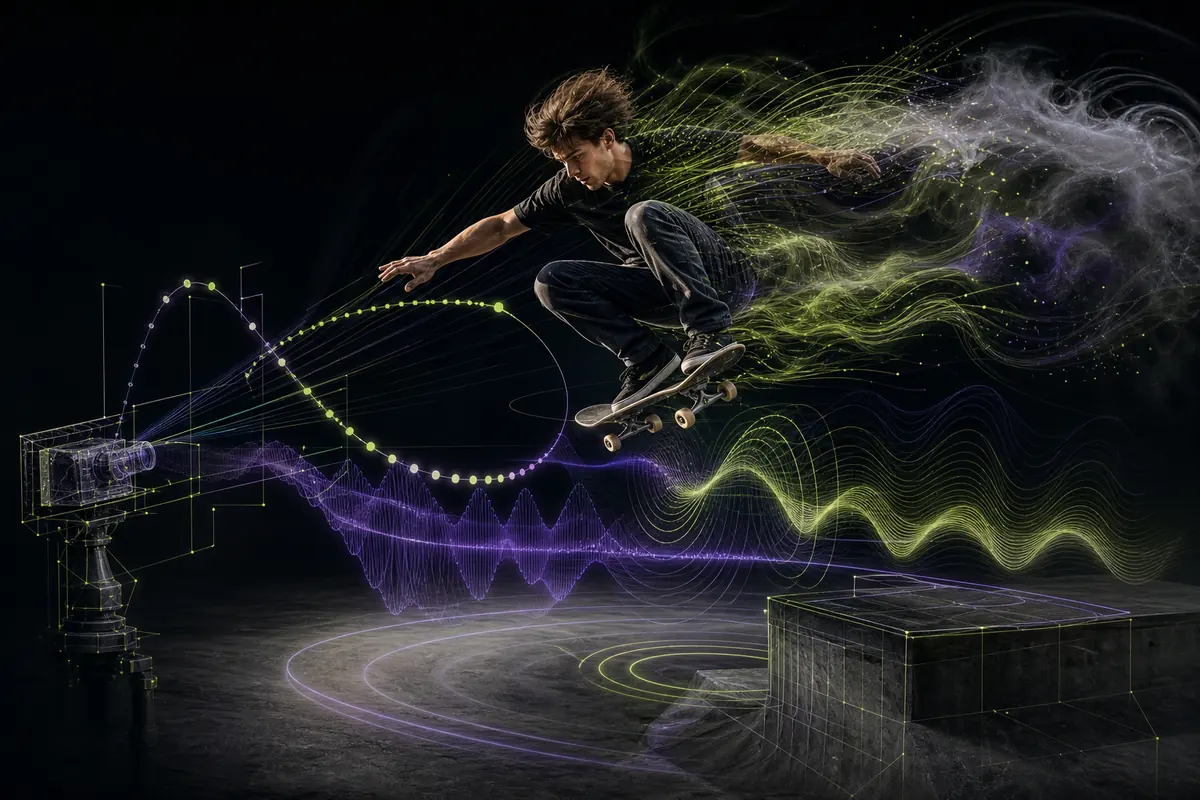
Social video
Optimize the delivery frameCompare hook timing, vertical composition, caption-safe areas, duration, audio intelligibility and platform compression before choosing.
Advantages and limitations
FLUX 3
Strengths- 20-second native audio generation
- Ordered keyframes and continuation
- Broad visual styles and transformations
- Reference-video and typography workflows
- Staged access and evolving availability
- Prompt drift in complex instructions
- Need for broader reproducible testing
Kling 3.0
Strengths- Multiple image and video references
- Photorealistic character performance
- Omni storyboard and shot direction
- Multilingual and multi-character dialogue
- 15-second documented ceiling
- Controls that differ by variant and tier
- Provider-specific resolution and editing limits
Pick from measured acceptance rates.
Choose FLUX 3 when keyframes, transformations, longer native-audio clips or continuation fit the brief. Choose Kling 3.0 when multiple visual references, photorealistic performance or Omni storyboards reduce the amount of manual direction.
For a serious project, calculate total generation cost ÷ accepted clips. Include latency, manual repairs, audio replacement, continuity fixes and the editing controls exposed by the exact subscription or API endpoint.
Test the FLUX 3 workflow →FLUX 3 vs Kling 3.0 questions
Which model generates longer video?
FLUX 3 documents up to 20 seconds with audio in one generation. Kling 3.0 documents up to 15 seconds. Continuation and editing can support longer assembled sequences.
Which is better for realistic motion?
No universal winner can be established from vendor reels. Test weight transfer, physical contact, anatomy and object interaction across repeated generations using the same brief.
Which handles character references better?
Kling Video 3.0 accepts multiple image references, and Omni can reuse visual and voice traits from reference video. FLUX 3 accepts images, video references and ordered keyframes. Use your own identity-sensitive assets to compare drift.
Do both models generate audio?
Yes. Both product families document native audio and dialogue. Language, accent, speaker control and synchronization should be verified in the exact model variant.
Is Kling Video 3.0 the same as Kling 3.0 Omni?
No. They belong to the same release family but do not expose identical controls. Omni adds structured storyboard direction, so confirm the selected model before comparing features.
Check the current model before integrating
www-flux3.net is an independently owned and operated platform. Official capability statements are separated from practical workflow recommendations. www-flux3.net has no affiliation with, sponsorship from, or endorsement by Black Forest Labs, FLUX 3, Kuaishou Kling, AI Video Extender, or any other provider referenced on this site. App tiers and API endpoints can differ in resolution, watermarking, queue priority, references and editing.
Black Forest Labs — FLUX 3 announcement ↗Kuaishou — Kling AI 3.0 launch ↗Kling AI — Video 3.0 user guide ↗Compare the workflows, not only the showcase clips
A fair FLUX 3 vs Kling 3.0 test needs the same creative requirement, equivalent source material and a written acceptance checklist. Vendor reels demonstrate selected possibilities; they do not reveal how many attempts, repairs or rejected clips were required.
Design a controlled test
Choose five briefs that represent the actual project: one physical action, one dialogue scene, one identity-sensitive character shot, one product shot with typography and one transition or continuation. Match aspect ratio, approximate duration and delivery resolution. Give both systems equivalent identity, product and style references where their interfaces allow it. Preserve the original prompt intent even when syntax must be adapted.
Generate several candidates for each brief without changing the requirements. Score subject accuracy, motion, anatomy, geometry, camera logic, reference fidelity, visible text, dialogue, effects, ambience and ending. Keep failed outputs in the sample. A result is accepted only when it meets every critical requirement or needs a repair the production budget already allows.
Include one stress test that is expected to be difficult, such as a profile turn under changing light, a hand interacting with a labeled object, or two speakers crossing positions. Easy hero shots can hide failure modes that appear as soon as anatomy, identity, typography and timing interact. The stress test helps determine which workflow degrades more predictably when the brief approaches its practical limit.
Measure the cost of a usable clip
Model price is only one part of production cost. Record generation credits, queue time, upload preparation, prompt revisions, audio replacement, continuity repair, caption work and editing. Divide the complete test cost by the number of accepted clips. A cheaper generation becomes expensive when it repeatedly loses product geometry or speaker identity; a higher-priced attempt may be efficient when it reaches approval with less repair.
Repeat the test on the exact application tier or API model planned for delivery. Kling Video 3.0 and Kling 3.0 Omni expose different controls, while FLUX 3 availability can vary by provider. Save model names, dates and settings so a later release can be compared with the same benchmark rather than with memory.
Finally, review the production handoff. Confirm whether accepted clips survive captioning, reframing, platform compression and adjacent edits. A model that produces an attractive isolated shot may still create extra work when color, room tone, screen direction or identity does not match the rest of the sequence. Include those downstream repairs in the decision.